What is the Shoprite Money Market App?
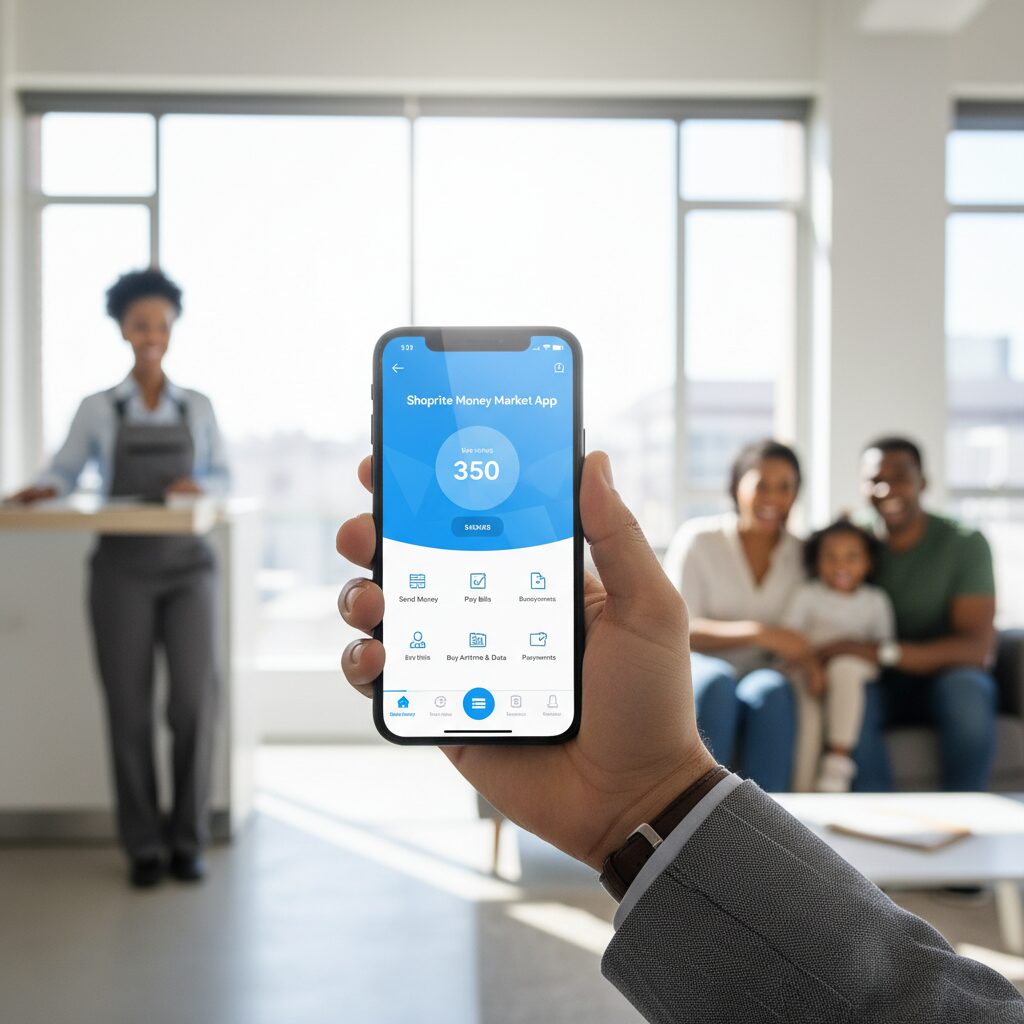
The Shoprite Money Market App is an integrated financial platform that provides users with a transactional bank account without monthly service fees. It is designed for maximum accessibility, enabling any individual with a valid South African ID or passport to complete registration instantly, bypassing complex paperwork and FICA verification processes.
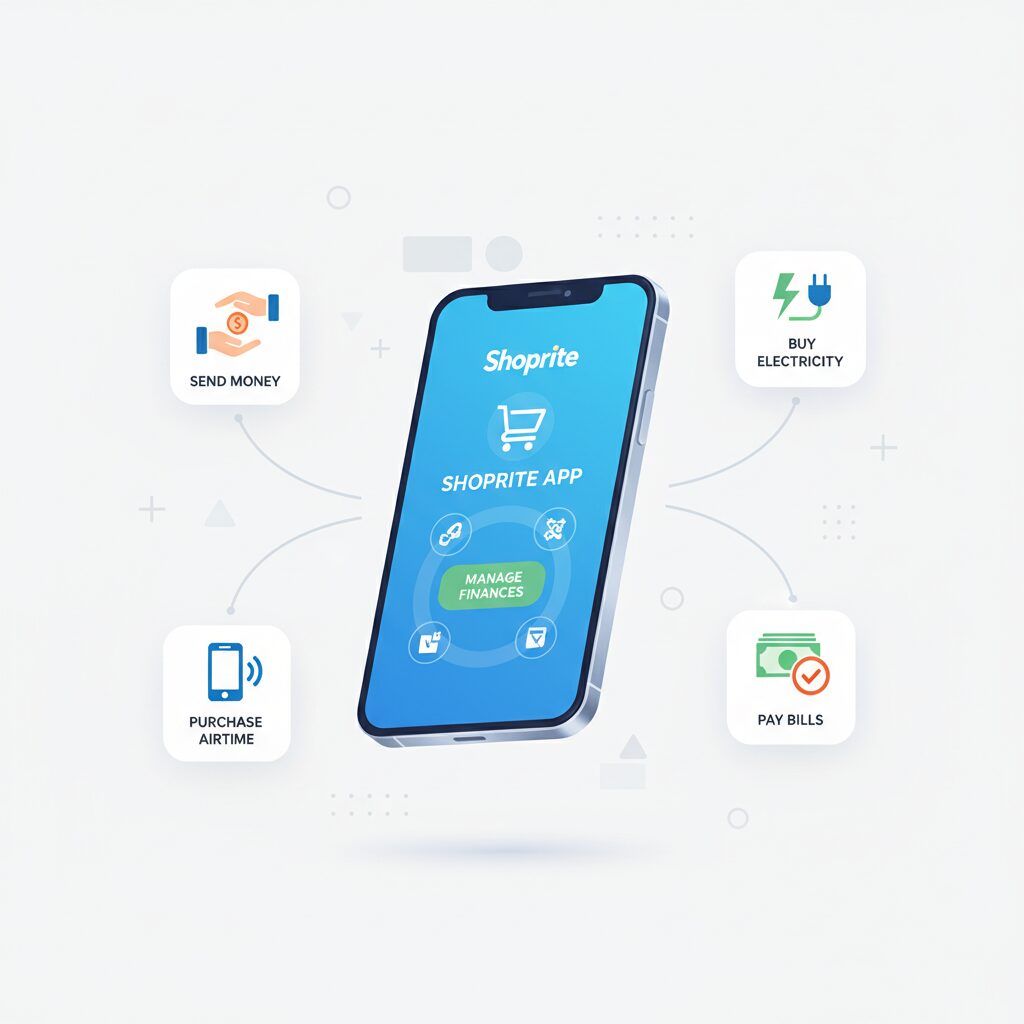
The platform is engineered to deliver essential banking services while eliminating the high costs associated with traditional financial institutions. Users can deposit, withdraw, transfer funds, and manage payments through the Shoprite app or a USSD interface (*120*3534#), ensuring functionality even on non-smartphones.
Core Capabilities for Personal & Organizational Use
The application offers a comprehensive suite of features designed to manage everyday financial transactions, from fund transfers to utility payments.
Fund & Voucher Disbursements
A key capability of the money market app is the ability to transfer money or disburse vouchers to any South African mobile number instantly and without transaction fees.
- For Personal Use: This is ideal for transferring funds to family and friends. Recipients do not require a bank account and can access the funds at any Shoprite, Checkers, or Usave till nationwide.
- For Business Use: Organizations can leverage this feature for bulk payment disbursements. It provides an efficient solution for distributing employee rewards, incentives, or grocery vouchers to clients and staff, streamlining operations and removing the complexities of traditional bank transfers.
Procurement of Prepaid Services & Bill Payments
The platform streamlines the procurement of essential prepaid services. Users can fund their accounts and purchase the following directly:
- Airtime
- Data bundles
- Electricity
- Gaming Vouchers
The app also facilitates bill settlement with any provider integrated on the Pay@ platform. This centralizes payment management, enhancing convenience for managing operational or travel budgets.
To help you navigate your travel needs more effectively, we have developed a guide that explores how to use the Shoprite app to find the best transit options. Our analysis compares in-store purchases at the Money Market with online booking, breaks down the differences between Shoprite and Computicket, and offers a step-by-step tutorial for securing your seat. Whether you are looking for the cheapest fares or a list of major bus operators, you can find all these insights in our dedicated article: Shoprite Bus Tickets: The Best Comparison guide (2026).
Secure Account & Funds Management
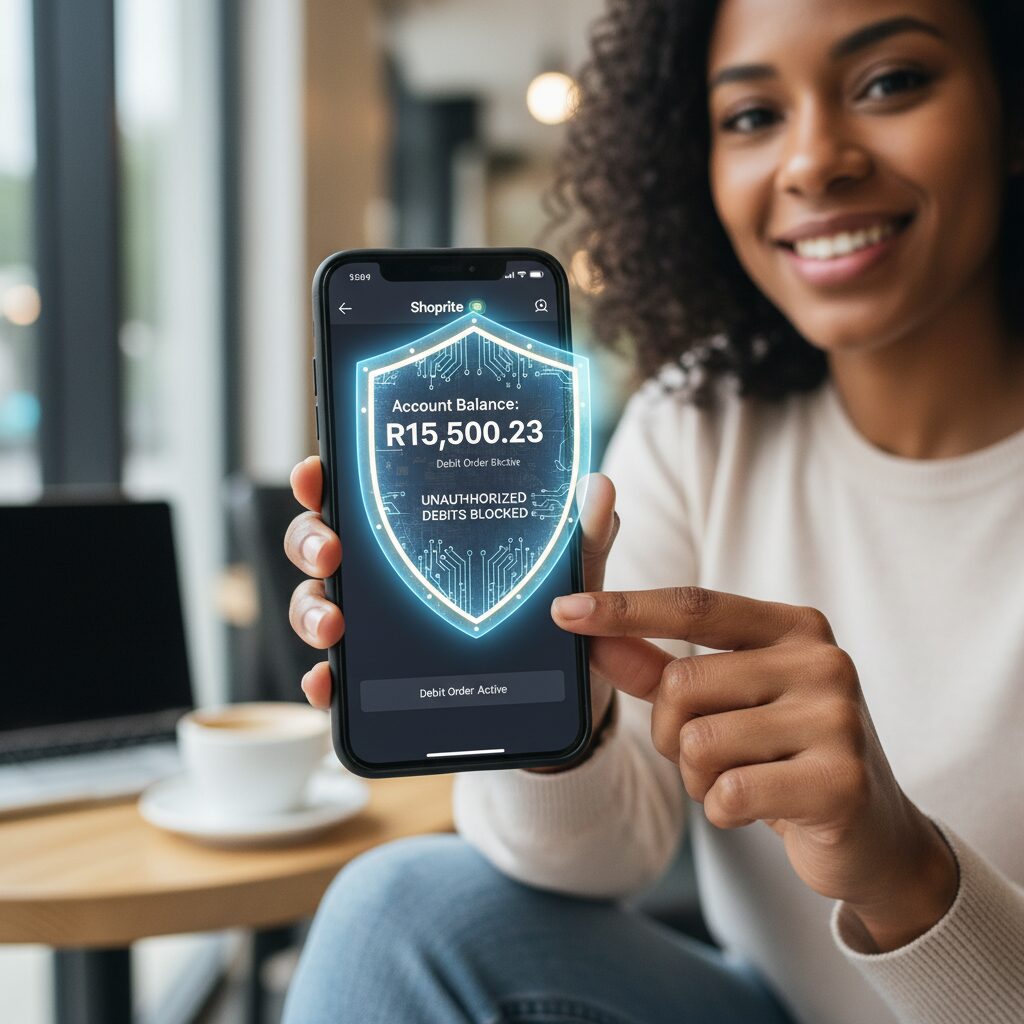
The Money Market Account offers a secure way to store funds, giving users full control through several key features:
- Deposits: Funds can be loaded into an account at over 25,000 till points nationwide or transferred via EFT from an external bank account. Many users elect to have their salary or SASSA grant paid directly into their Shoprite account for simplified management.
- Balance Check: The account balance is displayed in real-time within the application, providing continuous and accurate financial oversight.
- Total Control: A significant security advantage is that no debit orders can be processed against the account. This feature, noted by Business Insider Africa, ensures users retain full control over their funds without risk of unauthorized deductions.
Account Activation Process
The setup for a Money Market Account is designed to be a streamlined and efficient process.
- Download the Application: Locate the “Shoprite SA” application on the Google Play Store or Apple App Store.
- Register Your Profile: Launch the application and follow the on-screen prompts to register. You will be required to input your name and SA ID or passport number.
- Create Your PIN: Establish a secure 5-digit PIN to authorize account access and transactions.
Upon completion, the account is activated immediately without requiring documentation or in-person branch visits.
Application Comparison: Personal vs. Organizational Use
The platform’s versatility provides significant value to a diverse user base. The following table outlines its primary applications:
| Feature | For Personal Use | For Business Use |
|---|---|---|
| Core Function | A zero-fee bank account for daily transactions, savings, and receiving salary/grant income. | A scalable, no-cost platform for managing bulk payments, rewards, and incentive programs. |
| Sending Money | Transfer funds to contacts free of charge. | Distribute grocery vouchers or cash incentives to staff or customers with high efficiency. |
| Deposits | Load funds at a retail till or receive salary/SASSA grants directly into the account. | N/A |
| Payments | Settle in-store grocery purchases, buy airtime/data/electricity, and pay bills. | Provide recipients with vouchers redeemable for groceries and other essential goods. |
| Key Benefit | Significantly reduces or eliminates monthly bank fees, improving personal cash flow. |
Frequently Asked Questions
Is there a monthly fee for the Shoprite app? No, there are zero monthly service fees, as the money market app is designed to be a cost-effective alternative to traditional banking. Most transactions, including deposits and sending money, are completely free, with a flat R5 fee for cash withdrawals at any Shoprite, Checkers, or Usave till.
Do I need a bank account to use the money market app? No, you do not; one of the biggest benefits of the Shoprite app is that it operates independently. You can load cash onto your account at over 25,000 till points nationwide or have your salary and SASSA grants paid directly into the account via EFT.
What are the transaction limits on the account? To keep your funds secure, the money market app has a maximum cash balance limit of R25,000, with a daily deposit and withdrawal limit of R5,000. For business users, the voucher system allows for higher limits to accommodate bulk payments and staff incentives.
Can I use the Shoprite app if I don’t have a smartphone? Yes; while the Shoprite app provides the full digital experience, you can still access your account by dialing *120*3534#. This USSD interface ensures you can send money, buy electricity, and check your balance from any mobile device.
How do I link my Xtra Savings card to my account? Linking your card is simple and allows you to pay for groceries at the till using your balance. Just open the Shoprite app, navigate to “My Profile,” select “My Xtra Savings Card,” and follow the prompts to “Link My Card.”
Is my money safe if I lose my phone? Yes; your account is protected by a 5-digit PIN you create during registration. Additionally, because the money market app blocks unauthorized debit orders, your balance is shielded from hidden deductions, and you can instantly freeze your account by calling 0860 01 07 09.
Final Verdict: Mastering Your Finances
Either way, let me know by leaving a quick comment below.