What is the iKhokha App?
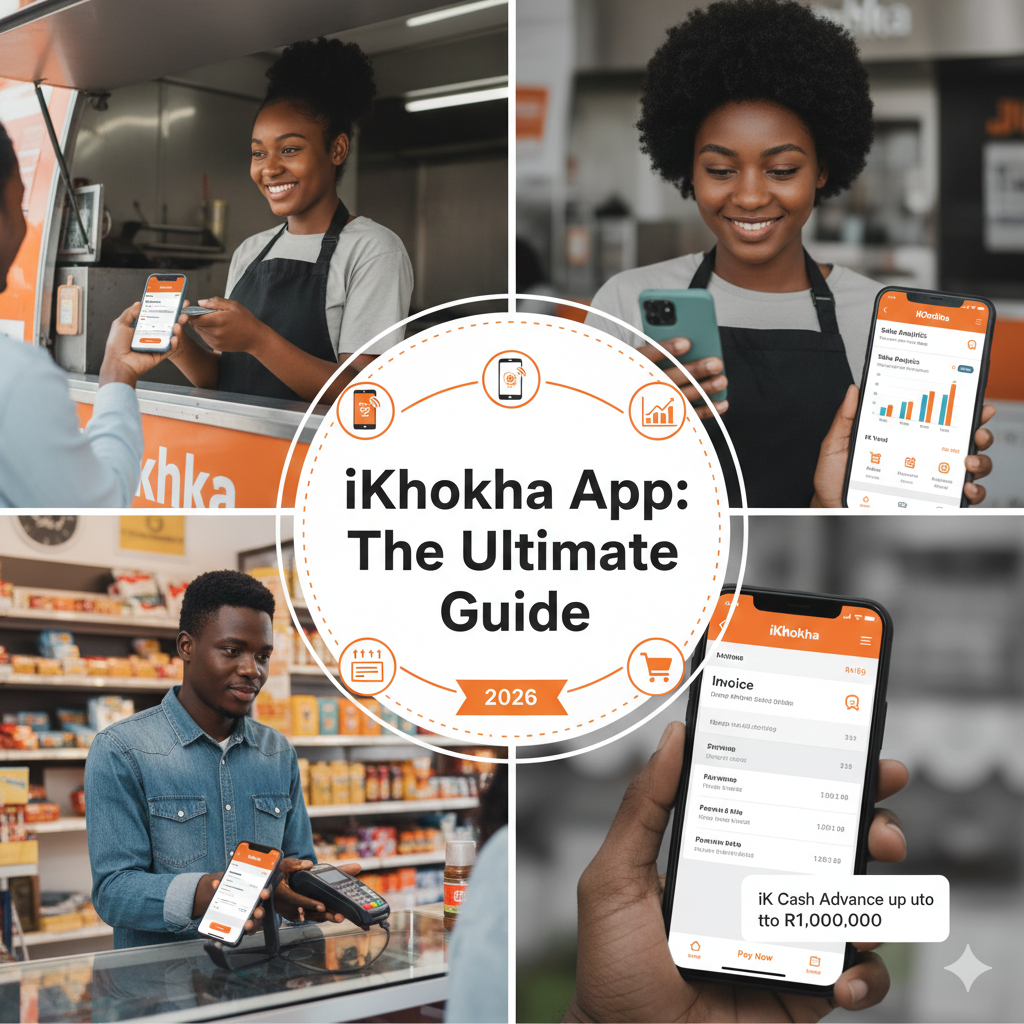
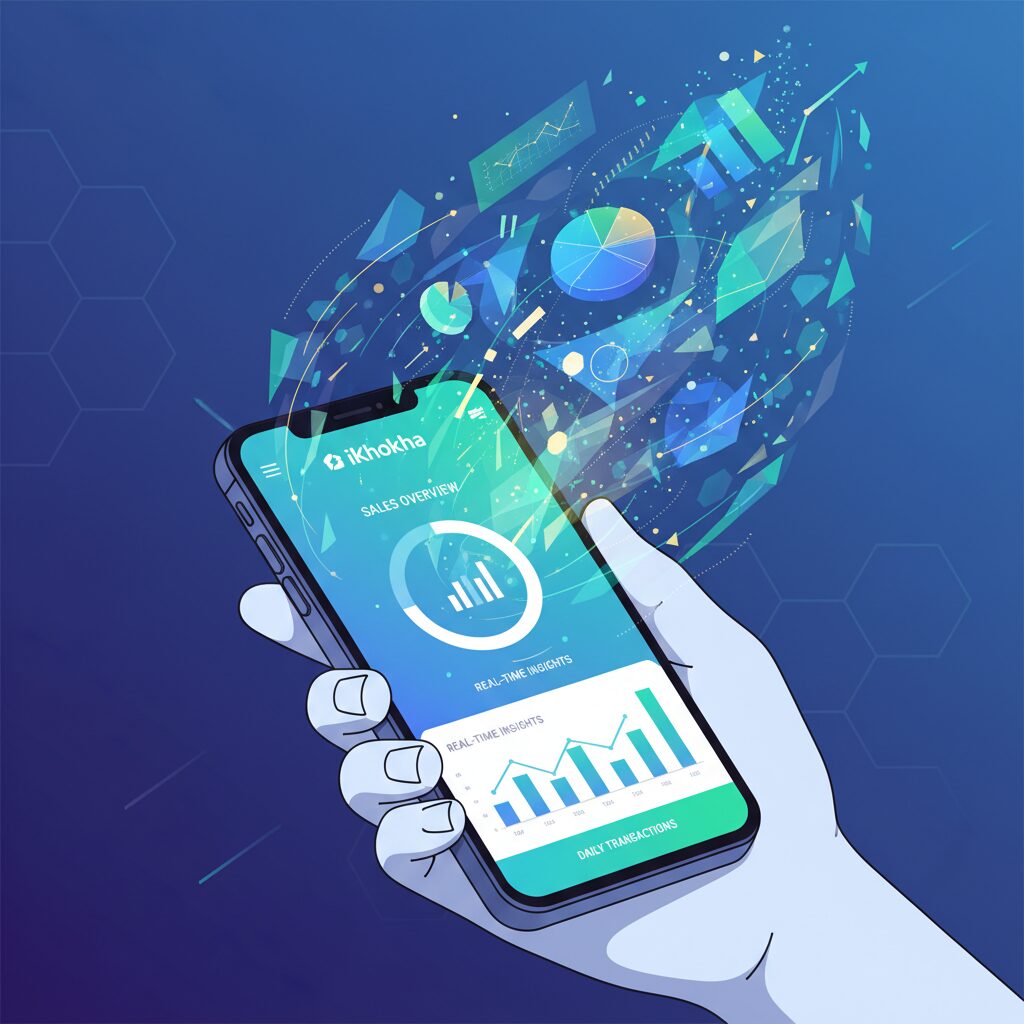
The iKhokha app is a complimentary mobile application for iOS and Android that serves as the core of the iKhokha payment ecosystem. It extends beyond simple payment acceptance; it is engineered to empower you to manage transactions, monitor sales performance, streamline invoicing, and access business financing.
Whether you are utilising a physical iKhokha card machine like the Mover or Flyer, or your smartphone’s native capabilities, the application centralises your business operations, providing a comprehensive, real-time overview from any location.
Core Capabilities of the iKhokha App
The application is engineered with a robust suite of features designed to streamline business operations and enhance profitability.
Versatile Payment Acceptance
The primary function of the iKhokha app is to process payments securely and efficiently. It provides multiple methods for receiving payments:
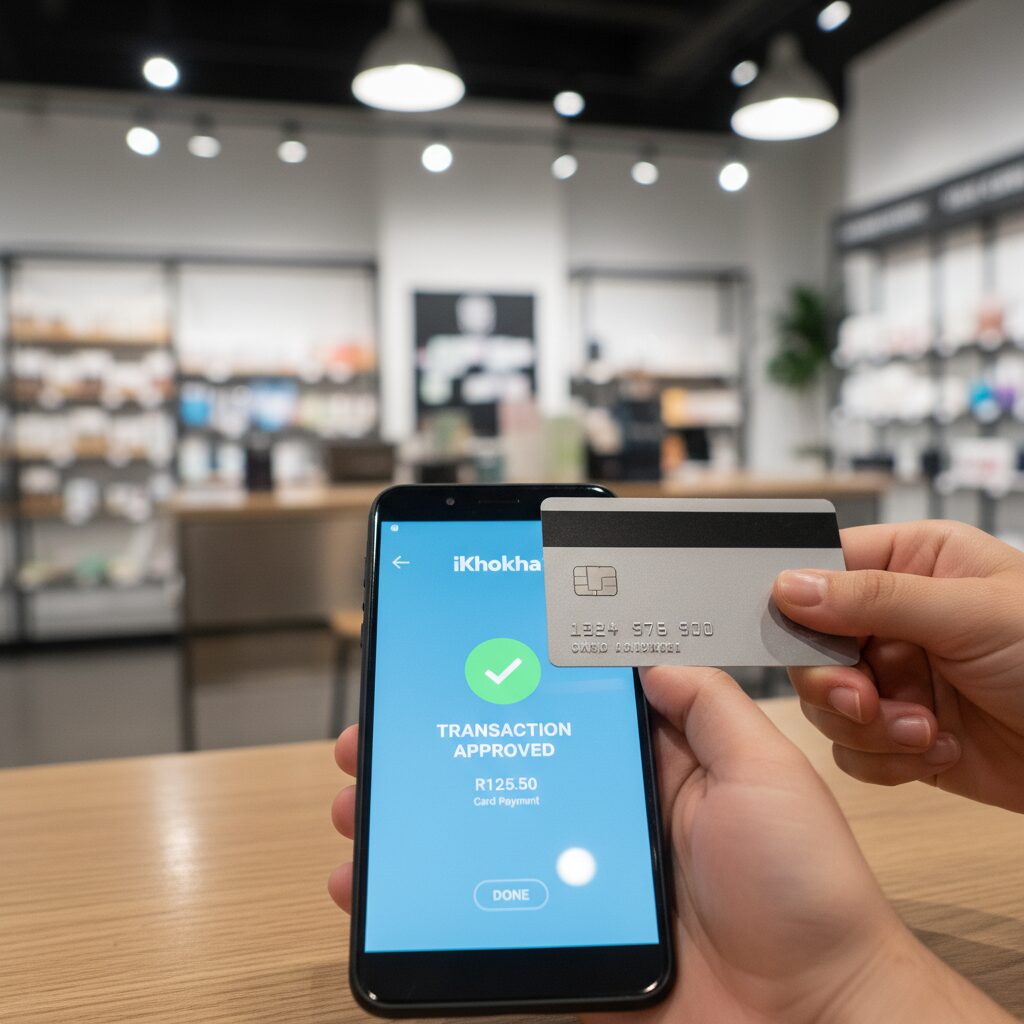
- iK Tap on Phone: For merchants with an NFC-enabled Android device (version 9.0 or higher), this feature transforms the device into a payment terminal. Simply input the amount, and the customer can tap their card on the back of your phone to complete the transaction. It is an ideal, hardware-free solution for mobile businesses, service professionals, or as a backup payment device.
- Card Machine Integration: The app integrates seamlessly via Bluetooth with iKhokha’s range of card machines, including the iK Mover and iK Flyer. This allows you to process swipe, chip-and-PIN, and tap-to-pay transactions from all major card networks (Visa & Mastercard) and mobile wallets such as Apple Pay and Samsung Pay.
- iK Pay Link & Invoicing: Generate and dispatch secure payment links via SMS, WhatsApp, or email. This is an optimal solution for remote payments, securing deposits, or settling invoices. You can also create and transmit professional quotations and invoices directly from the application.
Comprehensive Business Management Tools
Beyond payment processing, the app offers a suite of tools for comprehensive business monitoring and management:
- Sales Analytics: Monitor your sales history with detailed reporting. You can analyse transactions on a daily, weekly, or monthly basis, facilitating trend identification and performance analysis.
- Transaction History: Easily retrieve specific transaction details, process refunds, and resend digital receipts to customers via SMS or email.
- Product Catalogue: Populate your product and service catalogue within the app to accelerate the checkout process and manage inventory more effectively.
Value-Added Services (iK Vend)
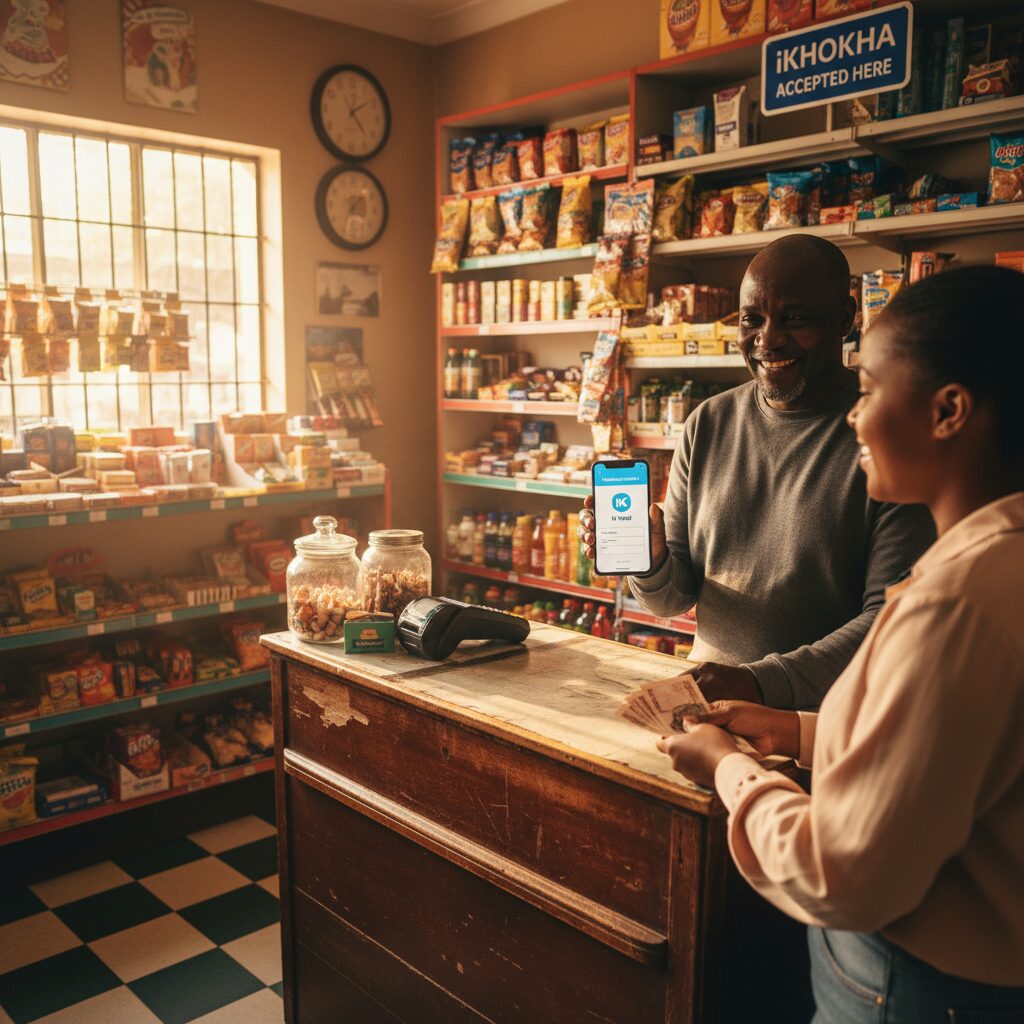
A key differentiator for iKhokha is the ability to offer prepaid services directly from the app. With the complimentary iK Vend feature, you can provide:
- Airtime and data
- Electricity and water
- DStv account payments
- Gaming vouchers and bill payments
This not only generates an additional revenue stream but also increases customer engagement and footfall.
Access to Business Financing (iK Cash Advance)
As you transact with iKhokha, you establish a transaction history. Based on this performance data, you may gain eligibility for an iK Cash Advance of up to R1 million. This provides a streamlined process to secure working capital for business growth, with automated repayments deducted as a percentage of your future card sales.
How to Download the iKhokha App (iOS & Android)
The onboarding process is streamlined and intuitive. The application is free to download and install.
- Access Your App Store: Navigate to the Apple App Store for iOS devices or the Google Play Store for Android devices.
- Search for iKhokha: Enter “iKhokha” into the search bar.
- Download and Install: Select “Get” or “Install” to download the application to your device.
Configuring Your iKhokha Account
Once downloaded, the in-app prompts will guide you through the configuration process, which can be completed efficiently.
1. Registration and Verification
New users must register for an iKhokha profile. The process is fully digital. You will be required to provide and verify specific details to ensure account security and regulatory compliance:
- Your personal information (Name, contact details)
- Your business details
- A valid South African ID or passport
- Proof of a bank account for settlement linkage
2. Integrating a Card Machine (If Applicable)
If you have an iKhokha card machine, such as the iK Mover, ensure your device’s Bluetooth is activated. The application will automatically detect and pair with your machine, enabling immediate transaction readiness. For devices with built-in 4G like the Shaker Solo, the terminal operates as a standalone device, but all sales data still syncs to the application.
3. Activating iK Tap on Phone
To leverage your Android device as a payment terminal, you must first enable NFC (Near Field Communication) in your phone’s settings, typically located under “Connections” or “Connected Devices.” Once enabled, the feature will be accessible within the iKhokha app.
Which iKhokha Configuration is Right for Your Organisation?
The key strength of the iKhokha app lies in its flexibility.
- For Mobile Operations: For field services, delivery logistics, or mobile professionals, the iK Tap on Phone feature is a highly effective solution. It requires no additional hardware, only your Android device.
- For Retail and Hospitality: For a traditional countertop configuration, integrating the app with an iK Shaker Solo or iK Flyer provides a robust and efficient checkout experience for your customers.
- For Service-Based Businesses: For consultants, designers, or contractors, the iK Invoice and Pay Link features are essential. They enhance your billing process and simplify on-time payments from clients.
But here is the truth: even the most powerful digital command centre needs the right hardware to operate at peak efficiency. To ensure you’re pairing this app with a device that fits your budget and protects your profit margins, explore our comprehensive breakdown: Card Machine Price: A Definitive 2026 Guide to the Lowest Fees.
When Your Business Needs More Than an App
Mobile apps are fantastic for agility and low overheads. However, high-volume retail stores and busy restaurants often require more stability than a smartphone or tablet can provide during peak hours.
If you find yourself needing faster processing speeds, larger screens for staff efficiency, or a permanent counter setup, it might be time to look at a dedicated system.
That’s where Eezipay fits — providing robust Touch POS terminals that handle complex inventory and heavy footfall without relying on a mobile battery or data connection.
Explore Dedicated Hardware: View Eezipay Touch POS Systems
Discuss Your Needs: Chat to a POS Specialist
Conclusion
In a competitive market, efficiency is your greatest asset. The iKhokha App delivers exactly that, transforming your smartphone into a pocket-sized powerhouse for payments, vending, and funding. Whether you are a startup or an established retailer, the tools for growth are now within reach. Make the strategic move: complete your iKhokha app download now to unlock a smarter, faster, and more profitable way to do business.