What is Tap to Pay With Phone and how does it work?
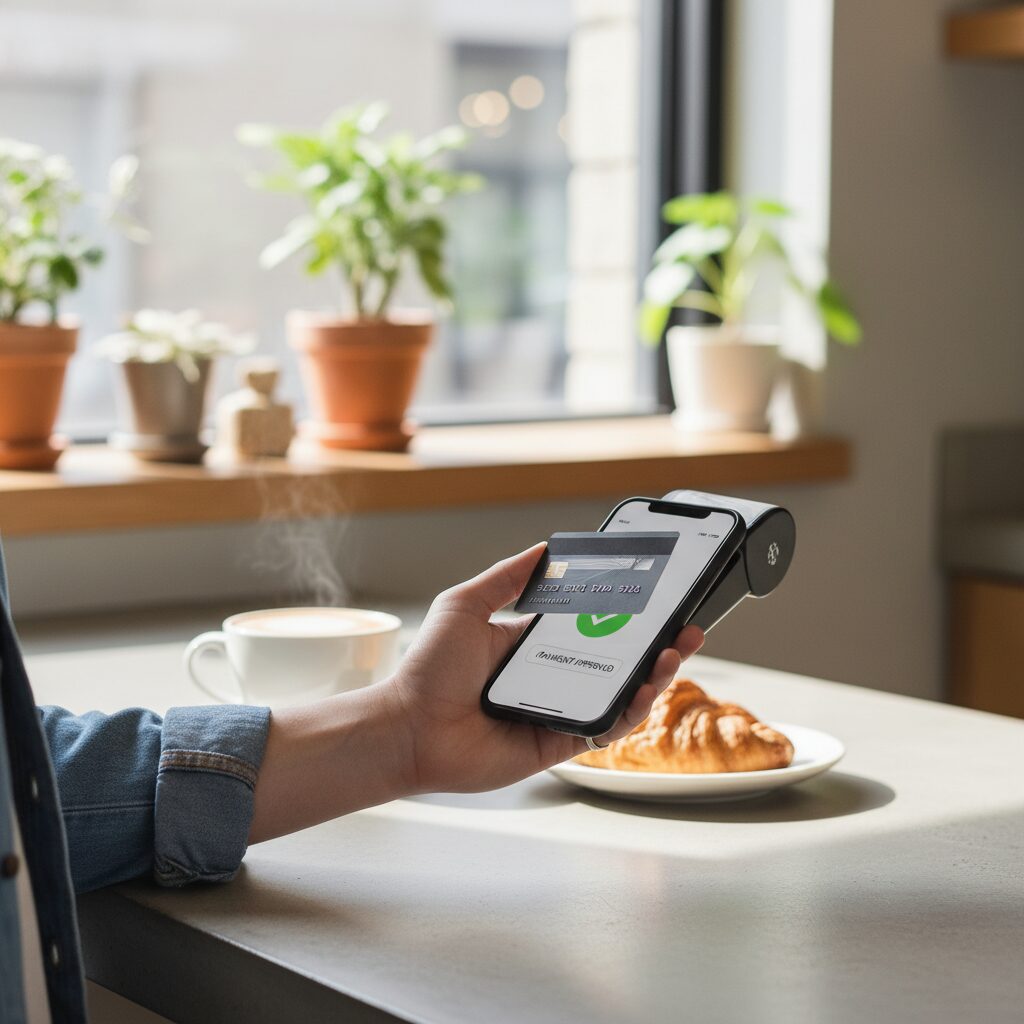
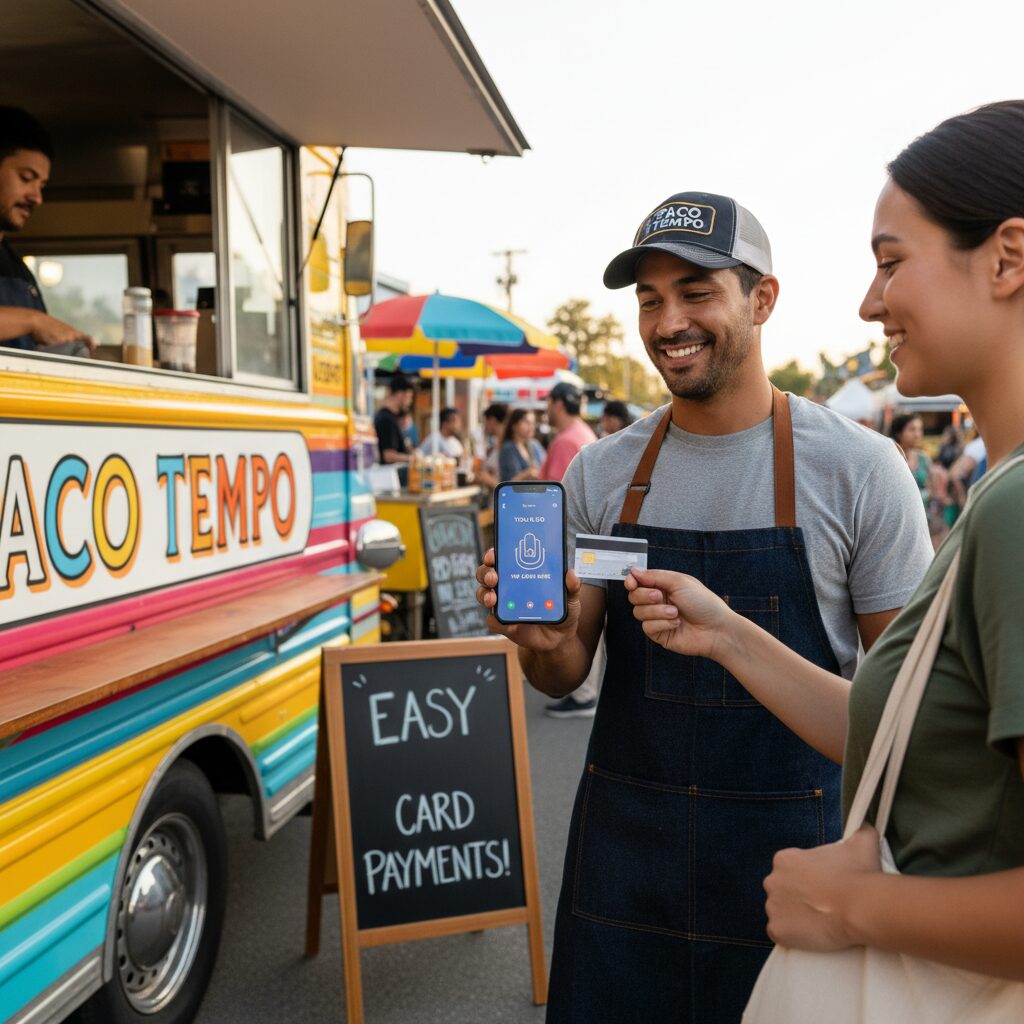
Tap-to-Pay with Phone empowers merchants to accept contactless payments from a customer’s bank card, smartphone, or smartwatch directly on an NFC-enabled smartphone. This process eliminates the need for any ancillary hardware, dongles, or card readers. To execute a transaction, a merchant simply opens their designated card payment app, enters the transaction value, and the customer taps their card or device against the merchant’s phone.
The Core Technology: Near Field Communication (NFC)
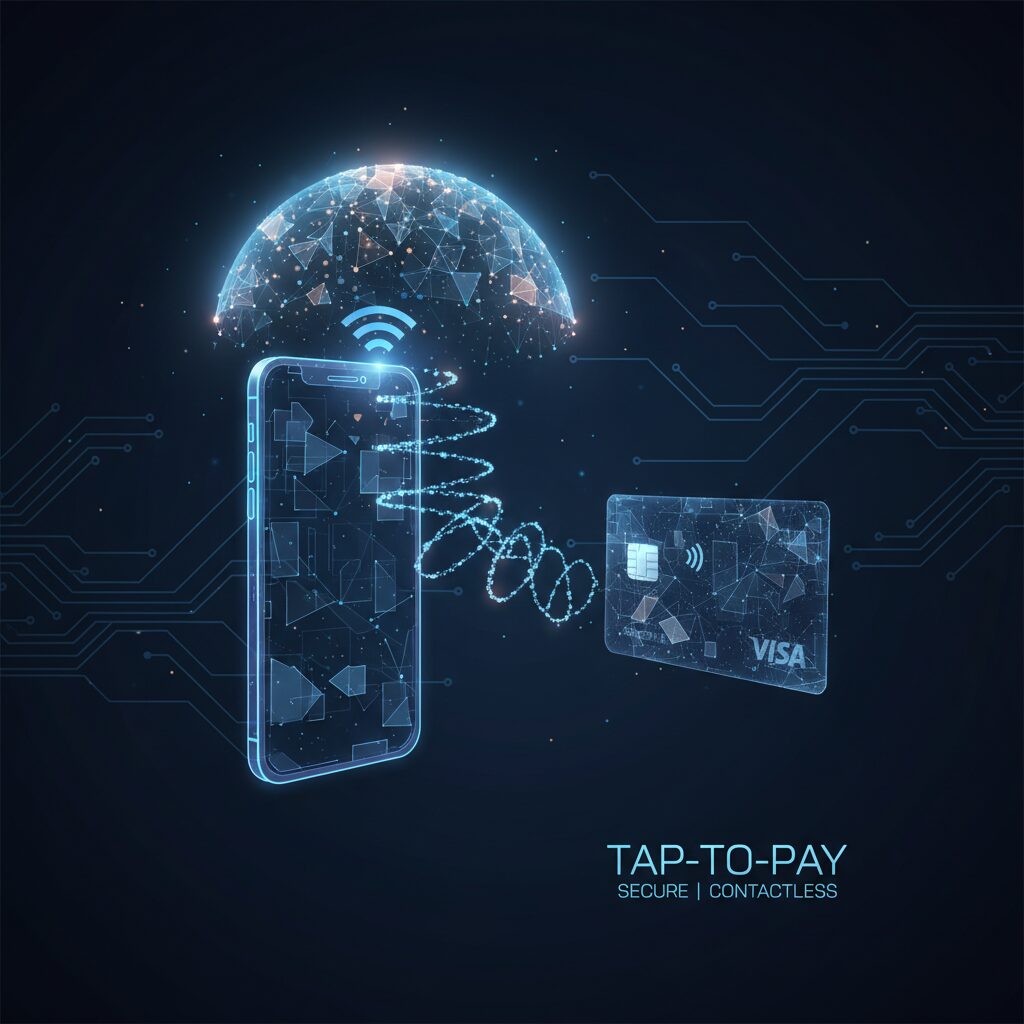
This functionality is powered by Near Field Communication (NFC), a short-range wireless protocol that enables secure communication between two enabled devices when they are brought into close proximity (typically within a few centimeters).
When a customer taps their card against the merchant’s phone, the NFC chip in the phone establishes a secure connection with the chip in the customer’s card. Instead of transmitting sensitive card details, the system utilizes tokenization. A unique, single-use code (a token) is generated for the specific transaction and transmitted for authorization. As detailed in this guide from SumUp, this protocol ensures the customer’s primary account number is never exposed, rendering the transaction highly secure.
The Transaction Process: A Step-by-Step Guide
Accepting a payment is an efficient and swift process:
- Enter Amount: Launch the provider’s application on your smartphone and input the transaction amount in ZAR.
- Initiate Payment: Select the “Tap on Phone” or an equivalent option within the application.
- Customer Tap: Instruct the customer to hold their contactless card or NFC-enabled device near the back of your phone, over the NFC chip’s location.
- Process Payment: The devices communicate, the encrypted token is sent to the payment network for authorization, and a confirmation appears on your screen within seconds. An electronic receipt can then be issued to the customer via SMS or email.
Top Benefits of Using a Card Payment App
Integrating a card payment app on your phone extends beyond mere convenience; it is a strategic decision that delivers significant business advantages.
Optimize Operational Costs
Traditional card terminals often incur monthly rental fees, outright purchase costs, and complex contractual agreements. Tap-to-Pay with Phone eliminates the need for dedicated hardware, reducing initial capital expenditure to virtually zero by leveraging the smartphone your business already possesses.
Achieve Unparalleled Mobility and Flexibility
For businesses that operate on the move—such as field services, mobile vendors, consultants, or delivery services—portability is a critical operational requirement. This technology enables secure card payment acceptance in any location with cellular connectivity, without the need to manage and carry additional hardware.
Align with Modern Consumer Payment Preferences
South African consumers increasingly expect and prefer the option to pay with cards or mobile wallets. Inability to accept digital payments can result in lost revenue. Offering Tap-to-Pay with phone capabilities ensures you can accommodate all customer payment preferences and maximize sales opportunities.
Elevate Your Corporate Brand and Credibility
Accepting digital payments enhances your organization’s professional image and perceived legitimacy. It signals to clients and customers that you operate a modern, technologically adept enterprise, which serves to build trust and strengthen credibility.
How to Accept Tap to Pay With Phone Payments
Adopting this technology is a streamlined process, with major local providers simplifying onboarding for all South African businesses.
Selecting a Payment Service Provider
In the South African market, Yoco and iKhokha are leading providers offering Tap-to-Pay with Phone functionality. Both platforms integrate this feature within their comprehensive business management applications. To start accepting tap to pay with phone transactions, you first need to set up your software. We created a dedicated tutorial to help you with this: iKhokha App Download: The Ultimate Guide. These applications not only facilitate payments but also deliver integrated tools for sales analytics and business management.
Essential Requirements
- A Compatible Smartphone: An Android or iOS smartphone equipped with a built-in NFC chip is required. The majority of modern smartphones include this hardware as a standard feature.
- A Provider Account: You must register with a payment provider such as Yoco or iKhokha and complete the business account verification process.
The Implementation Process
- Download Application: Install the Yoco or iKhokha application from the Google Play Store or Apple App Store.
- Register: Complete the business registration process within the application, which typically involves submitting FICA documentation and business banking information.
- Enable NFC: Access your smartphone’s settings and ensure the NFC function is activated.
- Commence Transactions: Following account approval, you can immediately begin accepting payments by selecting the Tap-to-Pay option within the application.
Security Architecture of Tap-to-Pay Technology
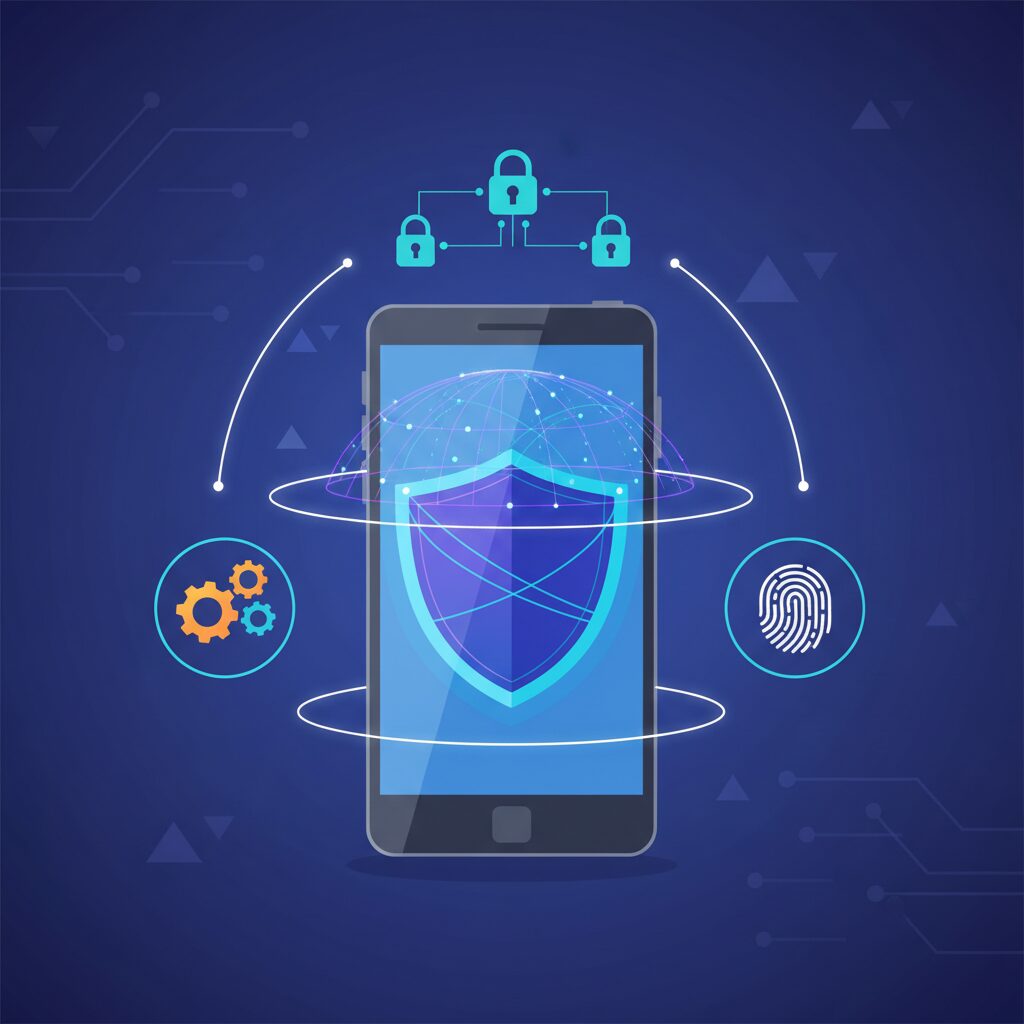
Security is a paramount concern for both merchants and consumers. Tap-to-Pay technology is engineered with a multi-layered security framework.
The Role of Tokenization in Data Security
As previously noted, the system is architected around tokenization. The customer’s actual card details are never stored on the merchant’s device nor are they transmitted during the transaction. The single-use token is of no value to malicious actors if intercepted.
Security Through Proximity: The NFC Standard
According to Android’s official documentation, NFC transactions require the devices to be in extremely close proximity (typically 2-4 cm). This physical constraint makes remote skimming or unauthorized data interception technically infeasible.
Multi-Factor and Biometric Authentication
For higher-value transactions, the customer may be required to authorize the payment on their own device using a PIN, fingerprint, or facial recognition. This adds a robust layer of security by verifying the identity of the individual initiating the payment.
The Future Role of Traditional POS Terminals
There is no doubt that using a card payment app to enable tap to pay with phone is the fastest way to get your business off the ground with zero overhead. But what happens when your small stall turns into a busy storefront with a line out the door? At that point, hardware limitations like battery life and scanning speed become real bottlenecks. To help you decide when it’s time to upgrade from a smartphone to a professional setup, we’ve put together a deep dive: POS System: The Ultimate Guide to Card Machines in South Africa. It’s the definitive roadmap for choosing a system that grows as fast as your sales do.
The Next Steps for Your Business
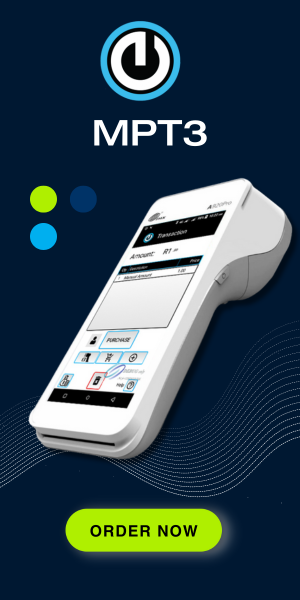
While a card payment app is a great start, using your personal phone for every sale can quickly lead to battery drain and interruptions. Moving to a dedicated Mobile Payment Terminal gives you the same “tap-to-pay” convenience on a professional device that’s built for all-day reliability and faster receipts.
Professional Hardware: Explore the Eezipay MPT – High-performance mobile devices built for business.
Expert Advice: Book a Demo Call – Let’s map out a solution that fits your specific workflow.
Conclusion: The Future of Payment Acceptance is Mobile
Tap-to-Pay with Phone technology levels the playing field for payment acceptance. It removes financial and hardware barriers, enabling any South African enterprise with a smartphone to participate and compete effectively in the digital economy. By providing cost-efficiency, superior mobility, and robust security, it empowers businesses to streamline operations and serve customers from any location. The future of payment processing is no longer a separate piece of hardware—it is the integrated technology within the device you already own.