
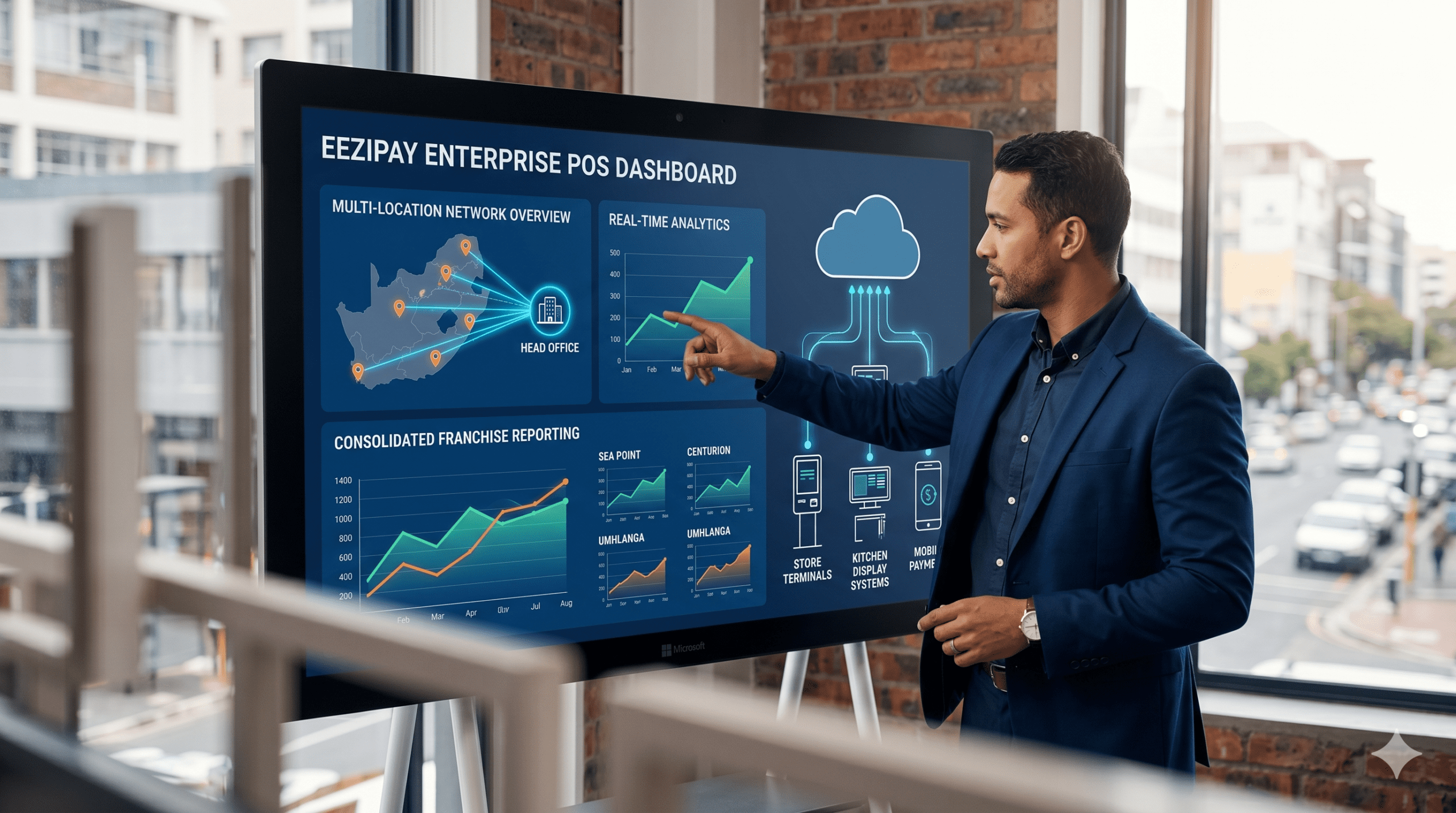
Scaling a successful food business takes more than just great cooking; it requires a digital foundation built on modern restaurant POS systems. Running a single storefront is a major achievement, but expanding into a multi-location network or a franchise model brings a whole new level of pressure. Often, the very software that helped you open your first doors starts to feel like a bottleneck—holding you back with disconnected data, stock mistakes, and a brand that feels different at every branch. While a basic POS is fine for a single shop, an enterprise-level system acts as your mission control. It is designed to give you a clear, bird’s-eye view of your entire business, replacing messy spreadsheets with real-time sales reports and precise inventory tracking for every location.
This guide breaks down the essential features your chain needs to thrive, evaluates the top POS software on the market, and gives you a simple framework for choosing the right system to power your growth.
Limitations of Single-Location POS Systems for Enterprise Operations
Using a basic POS software across multiple locations often leads to wasted time and a loss of control. These systems simply aren’t built to manage an entire network.
- Fragmented Data: Each location operates as a data silo. To ascertain total daily sales, management must manually extract and consolidate reports from each terminal. This process inhibits strategic, data-driven decision-making at an enterprise level.
- Fragmented Inventory Management: There is no visibility into stock levels at other branches. If one location experiences a stockout of a critical ingredient, it lacks an efficient method to identify and transfer surplus inventory from a nearby store. This results in revenue loss and inventory spoilage.
- Inconsistent Menu and Price Management: Implementing a menu update or a promotional price change becomes a manual, error-prone process. The corporate office must depend on manual implementation by individual store managers, jeopardizing brand consistency and pricing accuracy.
- Inefficient Staff Management: Tracking employee hours, permissions, and performance across a network presents a significant logistical challenge. A centralized system to manage roles or prevent unauthorized discounts and voids is absent.
Essential Capabilities of Multi-Location Restaurant POS Systems
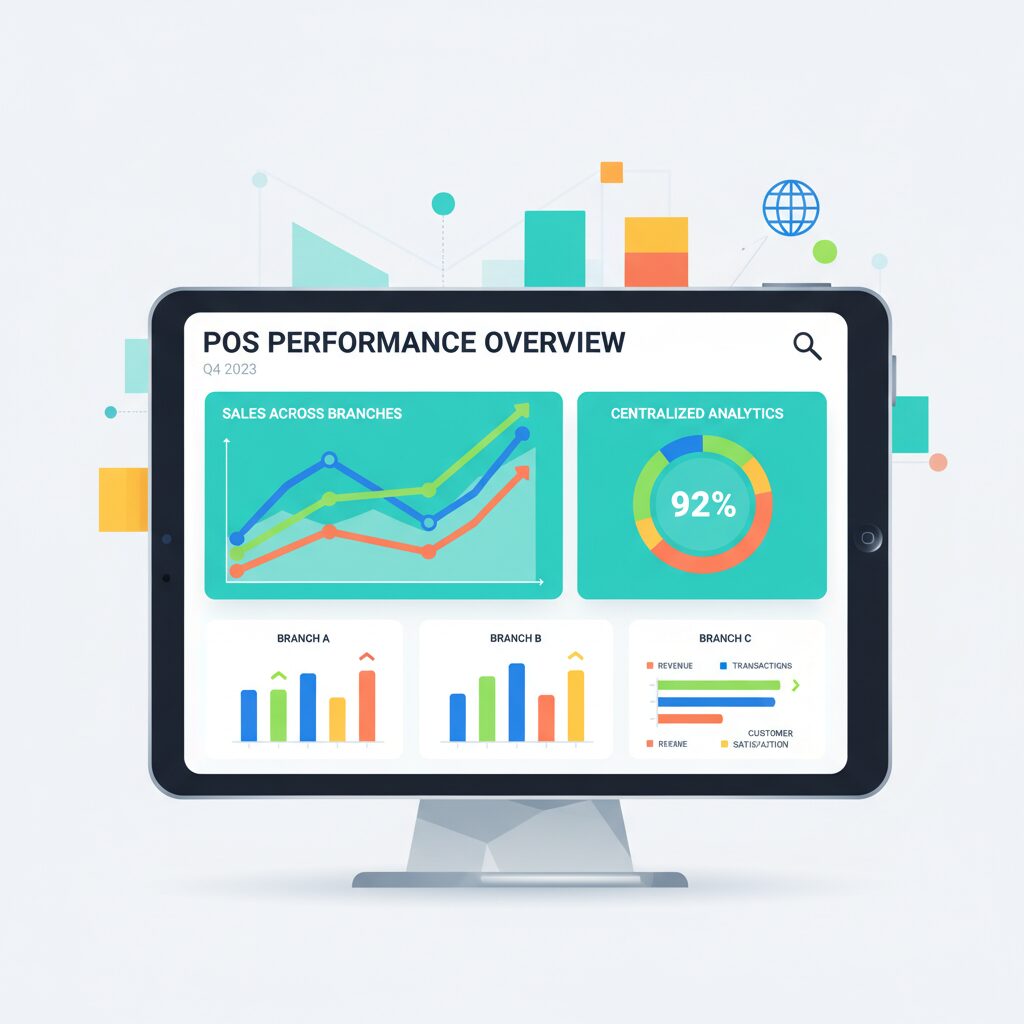
To overcome these challenges, a robust suite of restaurant POS systems must deliver centralized control. These platforms are built on a “one-to-many” architecture, empowering the head office to manage and monitor all locations from a single, integrated dashboard.
Centralized Reporting and Analytics
This feature is the backbone of effective multi-location management. It pulls all your data into one place, giving you a single, real-time view of your entire business.
- Global Dashboard: Monitor key performance indicators such as total sales, customer counts, and profit margins for the entire organization, or analyze the performance of a specific region or individual location.
- Comparative Reporting: Seamlessly compare sales performance between different locations. Identify high-performing locations to understand and replicate best practices across the network.
- Product Mix Analysis: Gain insights into which menu items perform best across the entire chain versus at specific locations, enabling the optimization of menus and marketing initiatives for diverse customer demographics.
Unified Inventory and Procurement Control
Effective inventory management is critical to your profitability. Modern restaurant POS systems allow you to move from a reactive to a proactive inventory strategy across all your locations.
- Master Inventory Database: Maintain a single, centralized database of all ingredients and products for absolute data consistency.
- Real-Time Tracking: Inventory levels are updated automatically across all locations as transactions occur.
- Inter-Branch Stock Transfers: Effortlessly transfer stock from a location with a surplus to one experiencing a deficit, minimizing spoilage and preventing stockouts.
- Centralized Purchasing: Consolidate purchase orders for the entire group to leverage economies of scale for superior supplier pricing and streamline procurement processes.
Franchise and Staff Management
Maintaining brand standards and consistent operations depends on how well you manage your team. Modern restaurant POS systems provide the tools you need to handle this securely and efficiently across your entire network.
- Role-Based Access Control: Define custom permission levels for different roles—from franchise owner and area manager to store manager and cashier. This ensures employees only access information and functions pertinent to their roles, mitigating risks of error and unauthorized activity.
- Standardized Onboarding: Many systems feature a “training mode,” allowing new personnel to practice on the POS interface without impacting live sales data, ensuring consistent training standards across all locations.
- Automated Royalty Calculations: For franchise models, the system can automatically calculate and report royalty fees based on sales data, eliminating hours of manual administration.
Centralized Menu and Promotion Management
A multi-location POS software provides the head office with the centralized authority to manage the brand experience. As detailed in a guide by Merchant Maverick, this central control is vital for franchises.
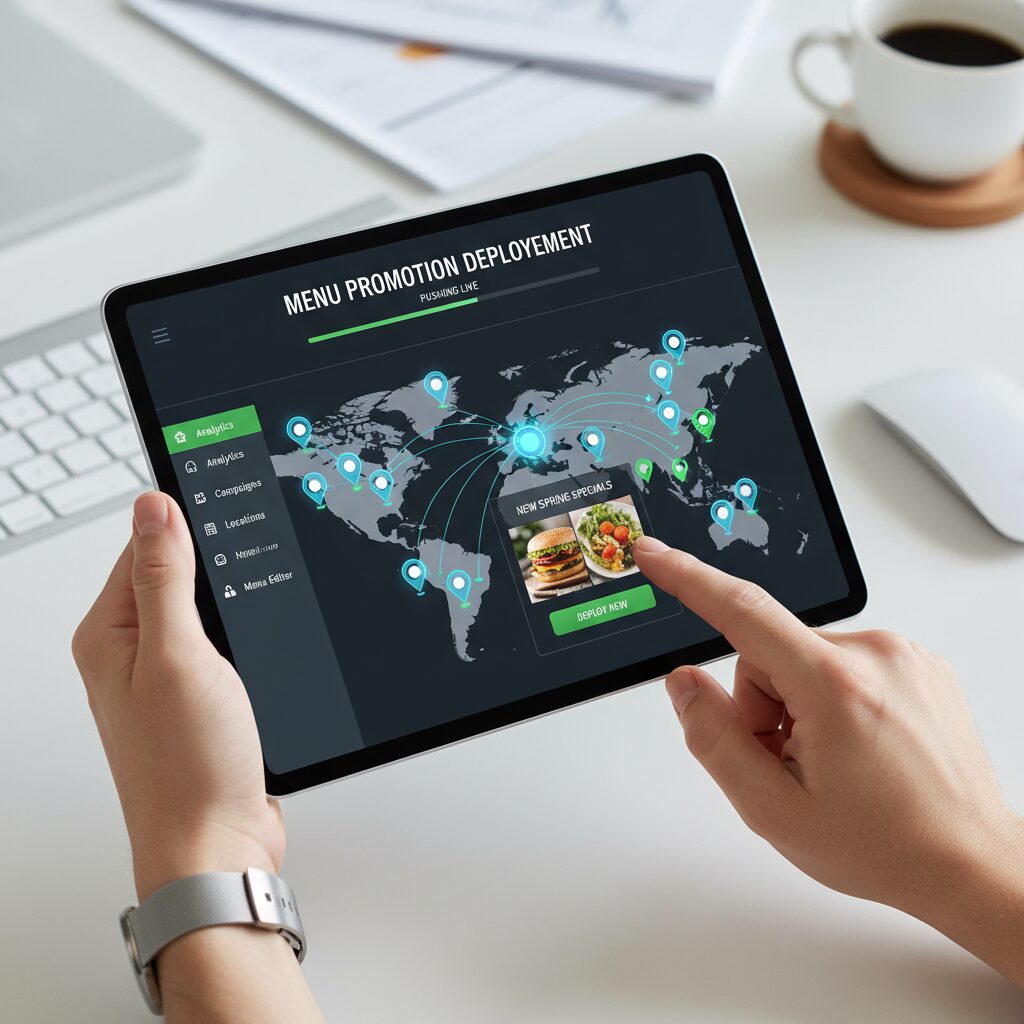
- Central Menu Management: Update menu items, descriptions, and pricing from the central dashboard and deploy changes to all locations—or a designated subset—seamlessly.
- Scheduled Promotions: Pre-schedule seasonal specials or limited-time offers. The POS software will automatically activate and deactivate promotions at all specified locations at the predetermined times.

Leading POS Solutions for South African Multi-Location Restaurants
While international restaurant POS systems offer powerful features, choosing the right one for South Africa requires a focus on local support and reliable connectivity. Here are the top contenders for managing multi-store operations in the local market:
-
Eezipay: Built for the South African landscape, Eezipay is an enterprise platform that focuses on a secure, cashless ecosystem. Its dedicated Head Office Module provides the centralized control needed for multi-branch success—allowing you to manage menus, track real-time sales, and automate royalty fees from one dashboard, all with local support.
-
Toast POS: A global leader for large, table-service chains. It offers high-end analytics and labour management, though South African users should note that support is often handled through third parties.
-
Revel Systems: Best for Quick-Service Restaurants (QSRs) and cafes. Its “hybrid cloud” architecture is a major plus locally, as it allows the system to stay online and process orders even during internet outages or load-shedding.
-
Lightspeed Restaurant: Known for being intuitive and highly scalable. It provides excellent multi-location inventory management, which is a must-have for businesses with complex stock requirements.
-
Domestic Providers (Yoco & iKhokha): These are excellent entry-point POS software solutions. While they are moving toward more advanced features, they are currently best for emerging businesses looking for low-cost setups and strong local support.
Multi-Location POS Comparison: At a Glance
| POS Solution | Best For | Standout Enterprise Feature | Scalability | Local SA Support |
|---|---|---|---|---|
| Eezipay | SA Franchises & Cashless Brands | Head Office Module & Royalty Automation | High | Excellent (Local) |
| Toast POS | Large Table-Service Chains | Advanced Labor & Kitchen Analytics | Very High | Limited / Third-Party |
| Lightspeed | High-Volume Retail & Restos | Multi-Location Inventory Sync | High | Digital/Remote |
| Revel Systems | QSR & Fast-Casual | Hybrid Cloud (Reliable Offline Mode) | High | Limited |
| Yoco / iKhokha | Emerging & Small Businesses | Low-Cost Entry & Mobile Payments | Moderate | Excellent (Local) |
While these leading restaurant POS systems offer impressive capabilities, the “best” choice ultimately depends on your specific operational goals.
The Secret to Hyper-Growth: Maximizing Revenue with Restaurant POS Systems
Once you have the right enterprise foundation in place, the next logical step goes beyond just managing your locations. It is about supercharging the profit margins within them.
While centralized data keeps your business organized, the right POS software does more than just track sales. Integrating self-service technology is what actually drives your average order value through the roof. If you want to see exactly how to eliminate peak-hour congestion and get your customers to spend up to 30% more per transaction without hiring more staff, you need to see our deep dive into:
Restaurant Kiosk Systems: The Ultimate Guide to Boosting QSR Profitability
It is the perfect companion to your broader strategy for restaurant POS systems, showing you how to turn every storefront into a high-speed, high-revenue engine.
A Framework for Selecting the Optimal POS Solution
Define Business Requirements
Begin by documenting your specific operational requirements. Are you a QSR franchise prioritizing speed and efficiency, or a fine-dining chain requiring sophisticated table management? Define your current number of locations and your projected growth over the next five years.
Evaluate Scalability
The selected system must be capable of scaling with your organization. A POS solution adequate for five locations may encounter performance issues at fifty. Inquire with potential vendors about their system’s capacity to handle increased data loads and whether their pricing models are sustainable for an expanding enterprise.
Assess Hardware and Integration Capabilities
Your POS software is a single component within a larger technology ecosystem. Confirm that the system integrates seamlessly with other mission-critical tools, such as accounting software (e.g., Xero, Sage), loyalty programs, and online ordering platforms. The hardware must be durable and reliable enough for a high-demand commercial environment.
Analyze Total Cost of Ownership (TCO)
Analyze beyond the initial subscription fee to understand the complete financial commitment. The TCO includes:
- Software Fees: Monthly or annual licensing costs per terminal or location (priced in ZAR).
- Payment Processing Fees: The transactional percentage for each card payment.
- Hardware Costs: The initial capital expenditure for terminals, printers, cash drawers, and kitchen display systems.
- Support & Maintenance: Fees associated with ongoing technical support and service level agreements.
Pro-Tip: When analyzing costs, always ask about “hidden” fees. Some providers charge extra for loyalty program integrations or 24/7 support—costs that can add up quickly when you’re managing 20+ locations.
Conclusion: Investing in Centralized Control and Brand Consistency
For any growing franchise, your restaurant POS systems are the pulse of the entire operation. Moving to an enterprise-grade platform is about more than just processing payments; it’s about gaining the “big picture” visibility you need to eliminate data silos and protect your brand’s reputation at every branch. By investing in the right POS software, you stop reacting to daily hurdles and start leading your business with a unified, data-driven strategy.
Ready to centralize your operations? If you’re tired of managing data silos and want a clear, “one-to-many” view of your restaurant group, Book a demo with the Eezipay team today.

![Smart Mobile POS: How to Ditch Your Clunky Cash Register [2026 Guide]](https://eezipay.com/wp-content/smush-webp/2024/02/Gemini_Generated_Image_339mhx339mhx339m-400x250.jpg.webp)
