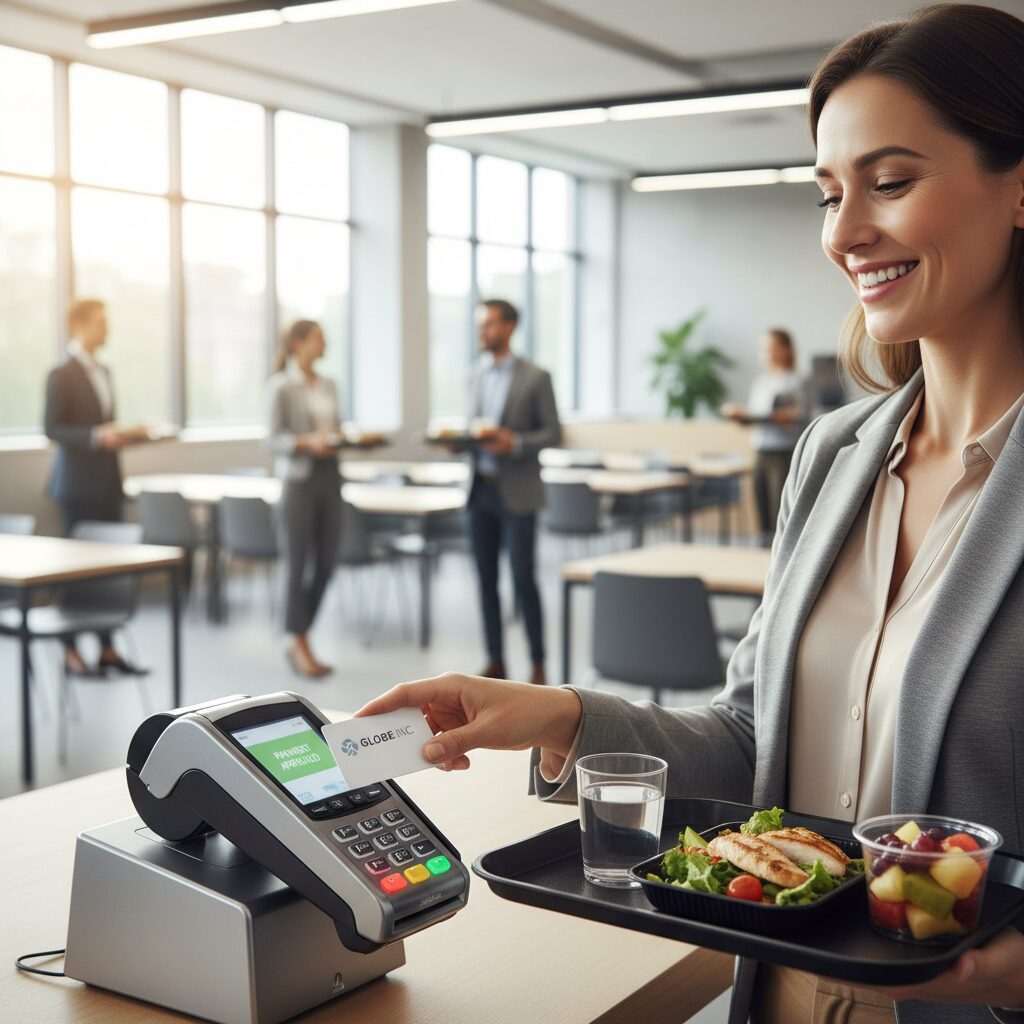
Finding the right office canteen POS is the definitive way to completely eliminate frustrating lunch hour queues and give your staff their break time back. Transitioning to a modern, cashless cafeteria setup is incredibly straightforward when you have a system built to handle both corporate subsidies and rapid payments on a single platform. In this guide, we will break down the exact mechanics of rapid tap-and-go technology, how to automate complex staff discounts instantly, and what specific features to look for when upgrading your workspace operations.
Read on to discover how to transform your workplace dining experience today.
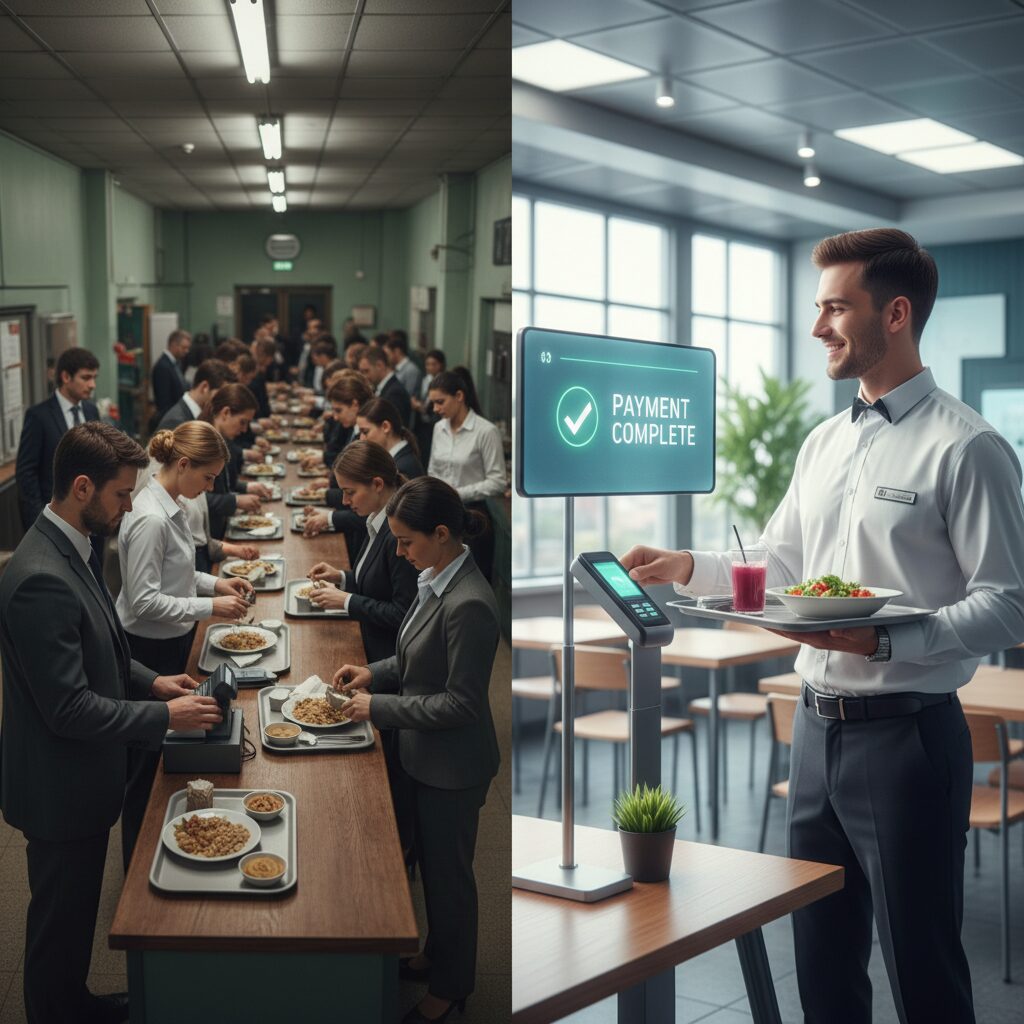
The Core Problem: The Inefficiencies of Traditional Canteen Payments
In a high-volume environment where hundreds of employees share a brief lunch window, every second at the point of sale is critical. Traditional payment methods are inherently slow and create significant challenges.
- Cash Handling: The process of counting currency, providing correct change, and reconciling tills is time-consuming and susceptible to human error.
- Manual Subsidies: Applying varied discounts or meal allowances for different employee categories—such as permanent staff, contractors, or visitors—requires manual intervention by cashiers, which decelerates the entire transaction line.
- Lack of Data: Without real-time analytics, canteen management cannot accurately forecast peak demand, optimise staffing levels, or manage inventory effectively, resulting in food wastage and inefficient service.
A cashless office canteen POS directly addresses these challenges by automating and accelerating the entire payment workflow. Industry case studies demonstrate that a transition to a cashless platform can achieve a 50% reduction in queue times, enabling canteens to serve a substantially higher volume of staff during peak hours.
How an Office Canteen POS System Works
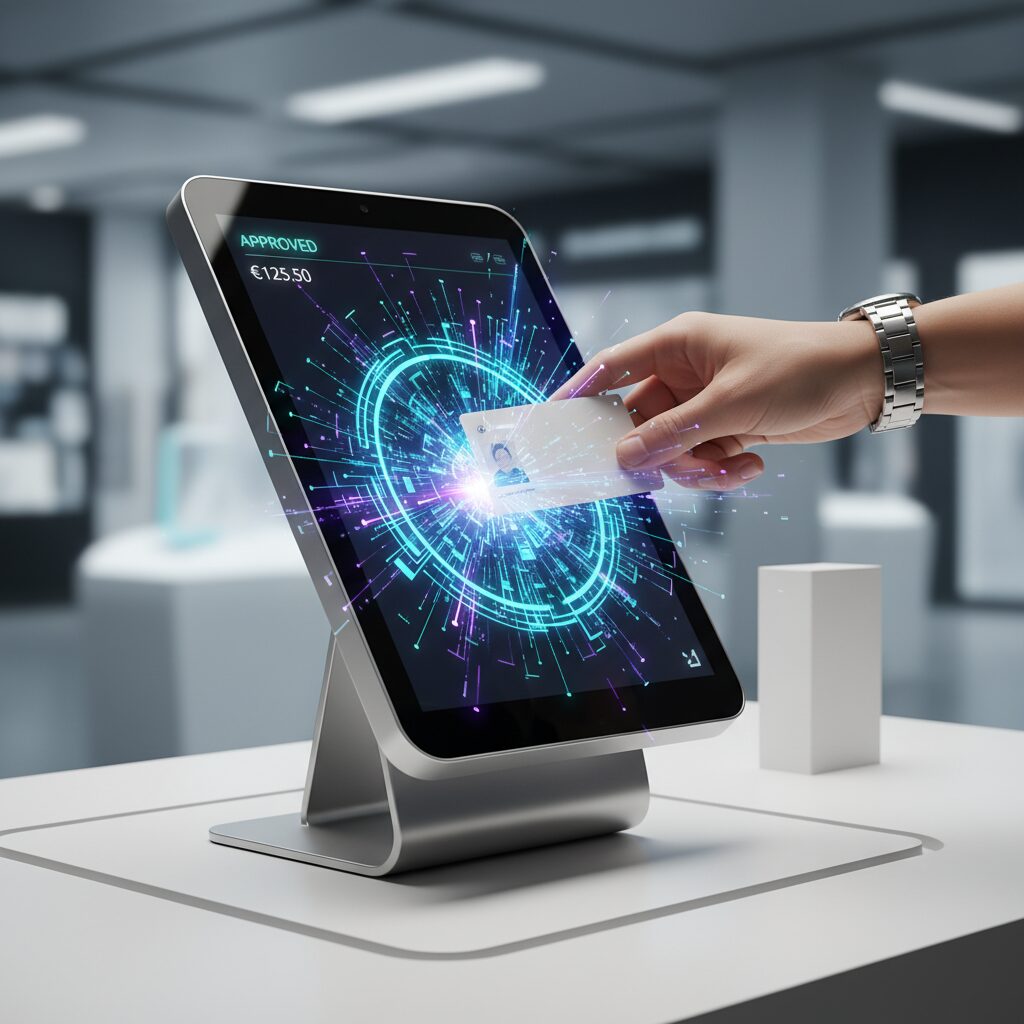
A modern office canteen POS connects your cafeteria software and hardware to create a smooth, self-contained payment setup. Instead of dealing with physical cash or traditional bank cards, this system links transactions directly to secure employee accounts.
Key Components of a “Tap-and-Go” System
- Digital Wallets: Every employee receives a unique digital wallet within the setup. This account can be funded by the staff member, topped up with company meal allowances, or linked with payroll for direct monthly deductions.
- NFC/RFID Identification: Payment links directly to an existing staff access card or a dedicated badge. This token instantly identifies the person and connects to their digital wallet at the terminal.
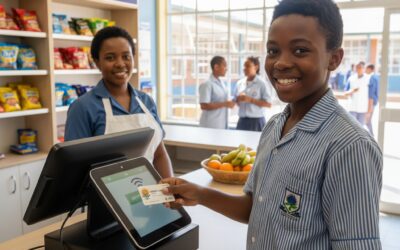
- Integrated Terminal: The cashier rings up the items, and the employee simply places their badge against the reader. The transaction total is deducted automatically, applying any company discounts instantly.
The Three-Second Difference
Traditional payments slow down the entire cafeteria line. Counting physical cash, processing change, or waiting for a standard bank card terminal to communicate with an outside network can easily take thirty seconds or more per person. An office canteen POS handles the transaction locally. This reduces the entire payment process to under three seconds, moving employees through the line fast enough to prevent crowd formation.

Leveraging Existing Infrastructure: Employee ID as a Payment Method
For most large organisations, the most efficient solution is to leverage existing infrastructure. The same employee badge used for building access control can be transformed into a powerful payment instrument, removing the need for staff to carry additional cards or cash.
Why Use Employee Badges for Payment?
- Enhanced Employee Convenience: Employees are already required to carry their access cards. Integrating payment functionality streamlines their experience and simplifies their daily routine.
- Automated Policy Enforcement: When an employee taps their badge, the POS system instantly identifies them and their profile. It can automatically enforce predefined business rules, such as “30% discount for permanent staff” or “one subsidised meal per shift,” without manual input.
- Centralised Administration and Security: Lost or stolen cards can be deactivated instantly from a central administrative portal, securing the employee’s wallet balance. Linking payments to a single identity token simplifies management for HR, IT, and security departments.
Beyond Speed: The Business-Wide Benefits of an Office Canteen POS
While queue elimination is the most visible outcome, a cashless office canteen POS delivers strategic value across the entire organisation.
Financial and Operational Advantages
- Automated Subsidy Management: A cashless system delivers “audit-ready data”, ensuring that complex subsidy policies are enforced with 100% accuracy and generating a transparent digital trail for finance and compliance audits.
- Reduced Cash-Handling Risks: Removing physical cash from the canteen mitigates the risk of theft, eliminates bank deposit fees, and reduces the labour costs associated with cash-up procedures and float management.
- Data-Driven Decisions: The office canteen POS system generates powerful, real-time reports on sales trends, peak service times, and item popularity. This business intelligence empowers canteen managers to optimise menus, minimise food waste, and improve staff scheduling.
Enhanced Employee Experience
- A Frictionless Payment Experience: “Tap-and-go” payments are fast, hygienic, and effortless, maximising the time employees have for their break.
- Advanced Functionality: Many modern office canteen POS systems offer mobile applications for meal pre-ordering. This allows employees to “click-and-collect,” bypassing the queue entirely by retrieving their pre-paid order from a designated collection point.
- Flexible Funding Options: Staff can easily add funds to their digital wallets through secure online portals or mobile apps, ensuring their accounts are always prepared for a transaction.
How to Select the Right Setup for Your Business
Choosing an office canteen POS requires finding a platform that balances ease of use for staff with strong controls for the business. When reviewing your options, focus on features that deliver long-term value.
- Hardware Compatibility: Ensure the software works with standard, durable terminals that can withstand a busy kitchen environment. The terminal should feature a fast internal reader that registers staff badges instantly without lag.
- Offline Functionality: Canteens cannot stop operating if the main internet connection drops. The office canteen POS needs to process payments securely even during a network outage, syncing data automatically once connectivity returns.
- Flexible Balance Management: Staff should have simple ways to check balances and add funds. A user-friendly online portal or mobile app allows employees to manage their accounts at their desks, keeping the cafeteria lines clear.
- Live Reporting and Insights: The software should provide clear sales data and automated reports. This gives management accurate figures on popular menu items and daily sales totals, making inventory planning much easier.
A Simpler Way to Manage Payments and Operations
Watching your team spend half of their lunch break waiting in a slow cafeteria line is frustrating. You want your employees to enjoy their downtime, but when counting cash, processing card terminals, and manually sorting out who gets which staff discount slows down the till, the midday rush quickly turns into a major daily strain.
If you are reading our guide, you are likely looking for a practical way to give your staff their time back while keeping your financial records completely accurate.
That is where Eezipay fits. We built our office canteen POS setup specifically to handle the high-volume pressures of corporate canteens, ensuring transactions take less than three seconds so your lines move effortlessly.
- The MPT3 Android Smart POS: Our dedicated Eezipay Mobile Payment Terminal runs as a complete office canteen POS, processing both internal employee wallet balances and standard bank cards on a single device.
- Speed Built for High Volumes: Powered by a high-speed internal processor for instant badge reading and equipped with a built-in receipt printer, this terminal keeps your checkout lines moving seamlessly.
- A Better Checkout Experience: With a bright 5.5-inch touchscreen, your cashiers can manage orders effortlessly without juggling multiple machines or handling physical currency, keeping the entire process rapid and hygienic.
- Automated Subsidy Management: You can stop manually tracking who is a contractor, a permanent staff member, or a visitor. The system automatically applies your precise company meal allowances and discounts the moment an employee taps their badge against the terminal.
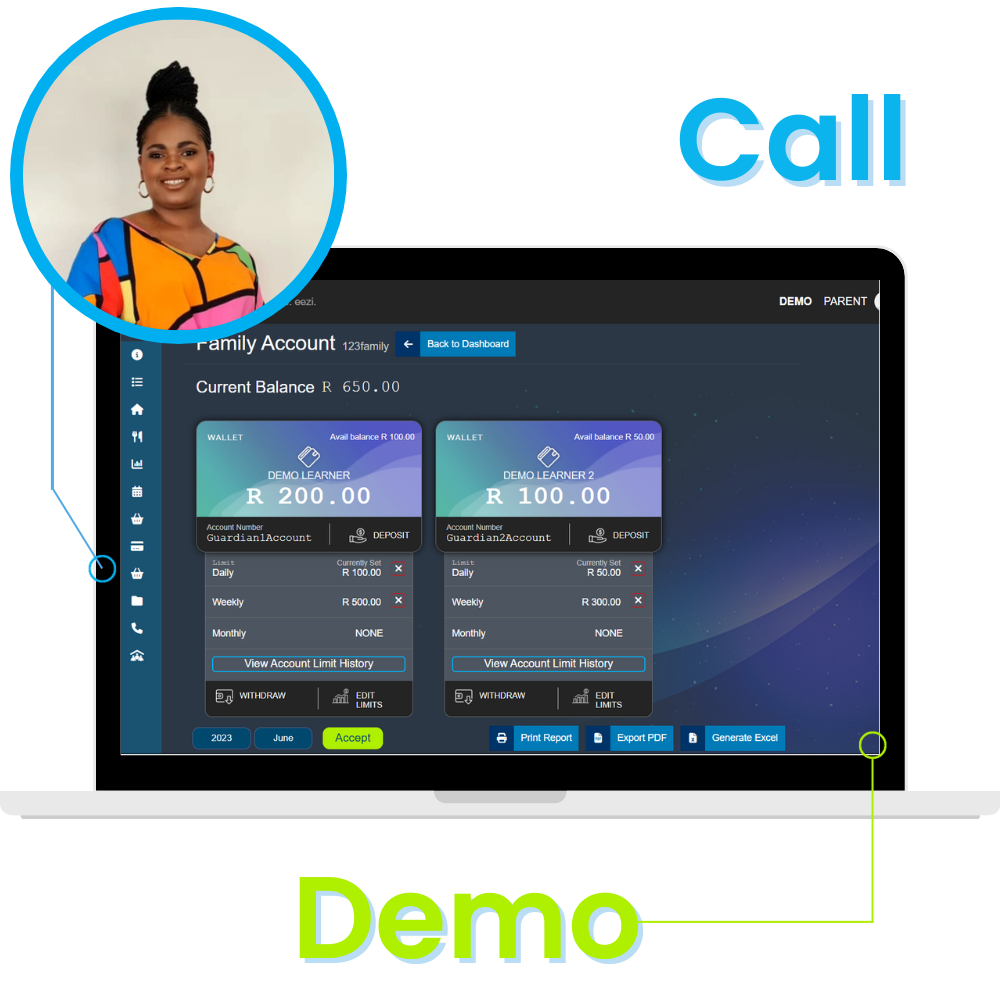
You do not have to figure out the transition to a cashless cafeteria alone. If you are ready to see how this office canteen POS fits into your existing corporate infrastructure, you can book a 15-minute demo call with our team today. We will walk you through the platform and help you design a smoother daily experience for your workforce.
Conclusion: Transforming Your Workplace Dining Experience
For any organisation contending with lunch hour congestion, deploying a cashless office canteen POS is a strategic investment. It not only resolves the immediate issue of long queues but also streamlines financial controls, reduces operational overhead, and ultimately cultivates a superior, more efficient workplace experience for all personnel.
Upgrading your cafeteria checkout speed is a powerful first step toward building a highly efficient corporate environment. However, managing a modern workspace involves more than just optimizing your point of sale. If you want to see how these exact same tap-and-go digital wallets can link with your building security turnstiles and automated time logging to create a single, unified corporate environment, explore our comprehensive guide to workplace management systems. This will help you map out a complete blueprint for an automated, connected office.